I promote my apps on Instagram with one silent clip and a different line of text on every post. My new app's first week did 91.8K views, and 82K of them came from Instagram.
To promote an app on Instagram, shoot one vague 6 second clip yourself, write 40 or more text hooks for it, render one Reel per hook, warm the account up for 3 to 7 days, then post 1 to 2 a day and work up. Most posts do a few thousand views and one random one blows up. As of 7 October 2026, Instagram only recommends Reels of 3 minutes or less and asks for vertical 9x16 video.
I opened every source page linked in the text on 7 October 2026. I make Quick Throttle, so take the tool mentions with that in mind. The numbers are from my own accounts, and the Quick Throttle facts are from this site. The copy was drafted with AI, then a second model checked the claims against their sources.
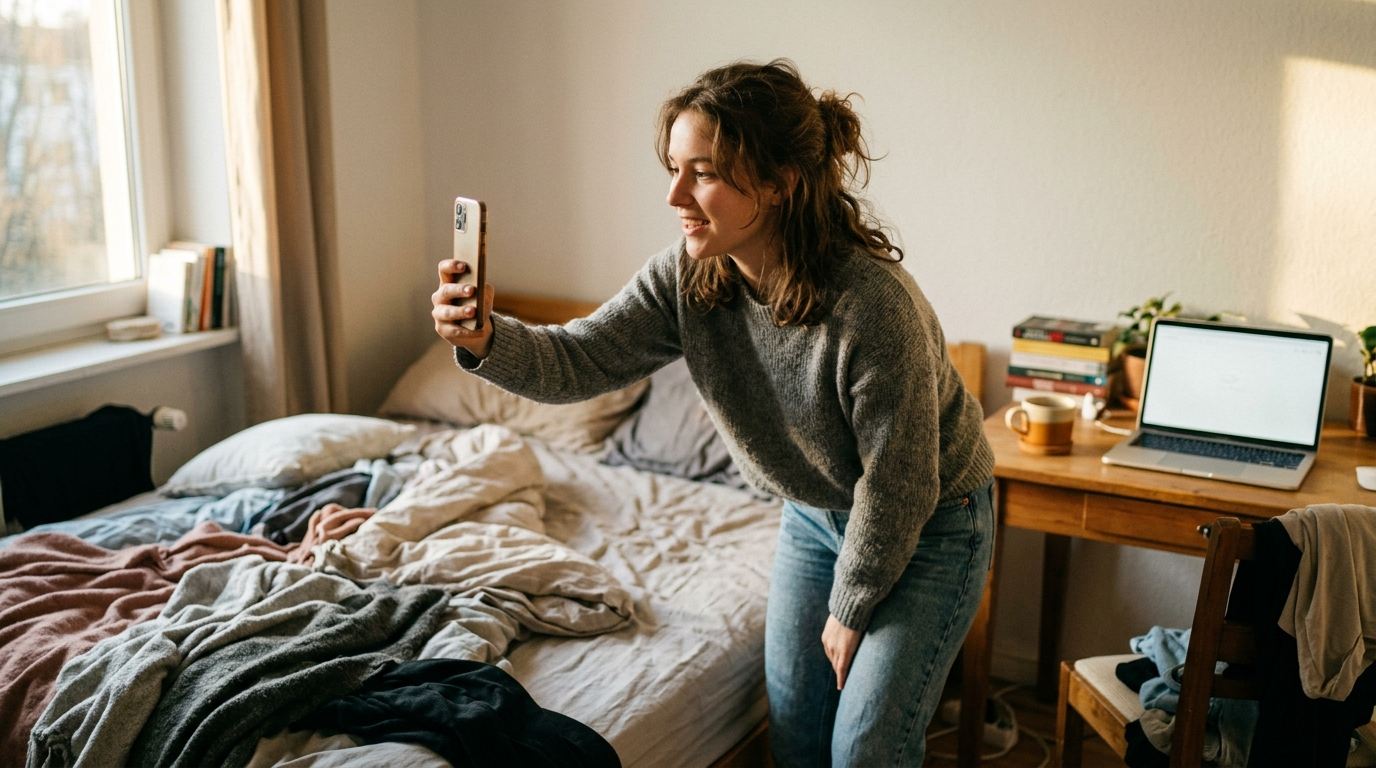
I kept building apps and nobody saw them. Marketing was the part I kept putting off. Then I noticed a lot of app accounts on Instagram and TikTok post the same clip over and over, and only the text on top changes. Some of those posts get millions of views.
So I started doing the same. One Instagram account did 5M+ views on that format. One post did 3.3M and another did 1.3M, and both sit on the same clip. Across all my accounts it's over 6M now. The full story of that first account is in how one Instagram account got 5 million views.
On 1 October 2026 I started my new app, Soleii, on the same loop. In 20 minutes I made about 40 videos and scheduled them. Here's the 7 days after that, from my scheduler's analytics.
| Platform | Views in 7 days | Share |
|---|---|---|
| 82K | about 89% | |
| TikTok | 6.6K | about 7% |
| 3.2K | about 3.5% | |
| Total | 91.8K | 100% |
The share column is my own sum. 82K out of 91.8K is about 89%. Instagram did roughly 12 times what TikTok did in the same week.
Why Instagram beat TikTok for promoting my app
Instagram brought in 82K views in a week against 6.6K on TikTok. I can't tell you exactly why. I can tell you what one other founder said about the two, quoted in Airbridge's UGC handbook.
That founder posted 9 times a day on Instagram Reels "cuz Instagram really doesn't punish you for that," and said on TikTok "when we increased the post quantity all our views went to like five." My format runs at volume, and that founder's experience suggests Instagram puts up with volume better. I can't confirm that's the reason.
If you only post on TikTok right now, put the same videos on Instagram too. They're already made, so there's no extra filming.
1.Shoot one vague clip yourself
The clip should be vague enough that any hook fits on top of it. Mine are 6 seconds and silent. If the clip is too specific it only works for about 2 hooks, and you're back to filming again.
Shoot it yourself first. AI clips work too, but start from a real video. If you want a different face in it, do an AI character swap after you've filmed the real thing. Starting from real footage is the one part I won't skip.
Instagram has a reason to like this as well. As of 7 October 2026, Instagram's originality post says 75% of recommendations in the US come from original posts, and that re-uploading someone else's work with only a border, watermark or subtitles added doesn't count as original. Your own footage is original. Somebody else's viral clip with your text on it isn't.
Film it vertical. Instagram's recommendation tips ask for high resolution 9x16 video with no borders.
2.Write a different text hook for every post
The hook is the line of text on top of the clip, and on this format it's the whole post. One clip plus 40 hooks is 40 posts.
Don't invent hooks from nothing. Save the viral text hooks you see on your own feed, then have Claude Code or Codex write more from that collection. Most of my hooks come from there. Even the 3.3M one started from a hook I saved while scrolling.
Keep each line short. Instagram's tips say to pull the viewer in within the first 3 seconds, and they don't want text covering the majority of the screen. One line under 12 words does both. The prompt I use to multiply saved hooks is in the 5 million views post.
3.Make the whole batch in one sitting
Making every video in one go is what keeps this cheap. Typing the text in CapCut one video at a time is fine for 5. It's miserable for 40.
The free hook overlay tool does it in one pass. Upload the clip, paste the hooks one per line, pick a text style and a position, and it renders one MP4 per line. It runs in your browser, nothing gets uploaded, and there's no watermark. If you want a song under a silent clip, the free add audio tool matches a track to the video's length.
Then schedule the lot. I scheduled the Soleii batch with post bridge, a separate scheduler.
How to warm up an Instagram account before you post
Warm up a new account for 3 to 7 days before the first post, using it like the people you want to reach. If you skip it, Instagram doesn't know who to show your videos to.
Picture a great video about social media marketing, shown first to a bunch of people interested in doctors. It doesn't matter how good it is. If most of the first viewers don't care, it's dead.
I don't have a precise method of my own here, so these steps come from two published guides:
- Don't post anything yet. post bridge's warmup guide says not to post for 7 days. Airbridge's handbook says 3 to 5 days with zero posts.
- Scroll your niche for 15 minutes a day, per post bridge. Follow accounts, watch videos, like posts and leave real comments.
- Go at a human pace. Airbridge says to "act like the end user you want to reach" and not scroll or like at machine speed.
- Post your first 10 or so from the phone app, which post bridge recommends over the web.
My own advice in the 5M post was 4 days of liking, commenting, following and DMing people like a normal guy before the first post. You can also brute force it with volume. A warm account just gets there faster.
4.Post every day and let volume pick the winner
Start at 1 to 2 posts a day and work up to 3 to 5 at most. That's the advice in my 5M post, and Airbridge's handbook gives the same 1 to 2 a day as the more common cadence.
Most of my posts only do a few thousand views. Then 1 random one blows up, and you can't guess which. So don't overthink the hooks. Even a flop is a thousand people seeing your app. A viral one is a bonus.
When one does go, write more hooks like it and put them on the same clip. The answer to a slow week is almost always more hooks. Footage can wait.
Can you test a Reel on strangers before your followers see it?
Instagram's trial reels let you do that. As of 7 October 2026, Instagram's trial reels page says a trial reel is shown to non-followers first, and your followers won't see it in Feed or the Reels tab.
You turn it on with the Trial toggle before sharing. Views, likes, comments and shares show up about 24 hours later. You can share it with followers in one tap, or let Instagram do it if the views in the first 72 hours look good. Meta announced trial reels on 10 December 2024. For hook testing that's handy, since 40 hooks won't all land on your followers at once.
What Instagram won't recommend
Instagram won't recommend Reels longer than 3 minutes, as of 7 October 2026. Its tips page also says to avoid posts with watermarks, blurry or low quality video, and recycled content.
For this format that means 4 things:
- Keep the clip short. A 6 second clip is nowhere near the limit.
- Export without another app's watermark on it.
- Use footage you shot, not a repost.
- Keep the hook to one or two lines so it doesn't cover most of the frame.
How to market an app on TikTok with the same videos
Post the same batch on TikTok too, because the videos are already made. TikTok's own explanation of its For You feed, from 18 June 2020, says "neither follower count nor whether the account has had previous high-performing videos are direct factors" in what it recommends.
So follower count alone doesn't decide who sees a video. Just don't expect TikTok to match Instagram on volume. For me it did 6.6K against Instagram's 82K in the same week. On TikTok, photo slideshows are another lane worth running, and TikTok slideshow app marketing covers that format step by step.
Quick questions
How do you market an app for free?
Rendering the videos costs nothing with a free tool. Shoot one clip on your phone, write hooks from ones you've saved, and render them with a free tool like the hook overlay tool on this site. For Soleii, making and scheduling about 40 videos took me 20 minutes.
How many reels should I post a day on Instagram?
Start with 1 to 2 Reels a day on a new account and work up to 3 to 5 at most. Airbridge's UGC handbook gives 1 to 2 a day as the more common cadence. One founder quoted there posted 9 a day on Instagram and said it didn't hurt, but I'd build up to that.
Can you post the same video on Instagram and TikTok?
Yes. In one week my Soleii videos did 82K views on Instagram, 6.6K on TikTok and 3.2K on Facebook. Export a clean file with no watermark from either app, because Instagram's tips say to avoid watermarked Reels.
Can you post the same video on trial reels?
A trial reel is a normal Reel with the Trial toggle switched on before sharing. Instagram shows it to non-followers first, and you can share it with your followers later in one tap. So you can test a hook on strangers and still post that same video to followers if it does well.
How do you market an app on social media as a solo founder?
Pick one format and post it at volume instead of spreading thin across every idea. One clip with a new line of text per post is a format one person can run alone. I made and scheduled about 40 videos in 20 minutes for Soleii.
Can you put the same video on two TikTok accounts?
Airbridge's UGC handbook says to scale through more accounts and creators rather than adding more posts a day to one account. The founder it quotes saw TikTok views fall to almost nothing after posting more often.
The tools from this post
The hook overlay tool is free. One clip, as many lines as you want, one finished MP4 per line, no account and no watermark. The add audio tool puts a track under it, matched to the clip's length.
Both are pieces of Quick Throttle, a desktop app for Windows and Mac that runs locally, driven from the AI you already use (Claude, ChatGPT, Claude Code or Codex), paid for once. Your AI writes the hooks from your app's facts, Quick Throttle renders a video for every one, and its queue gives each a slot in your posting week.